
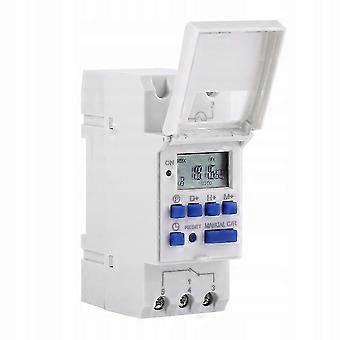
Ahc 15a Time Programmer For Digital Rail Weekly 3000w 24v
+ AED30.99 Shipping
Ahc 15a Time Programmer For Digital Rail Weekly 3000w 24v
- Brand: Unbranded
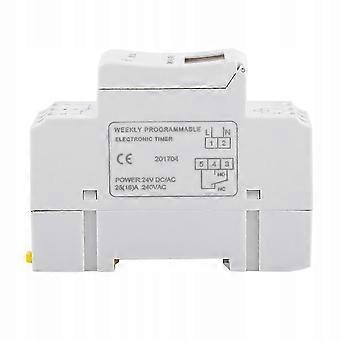
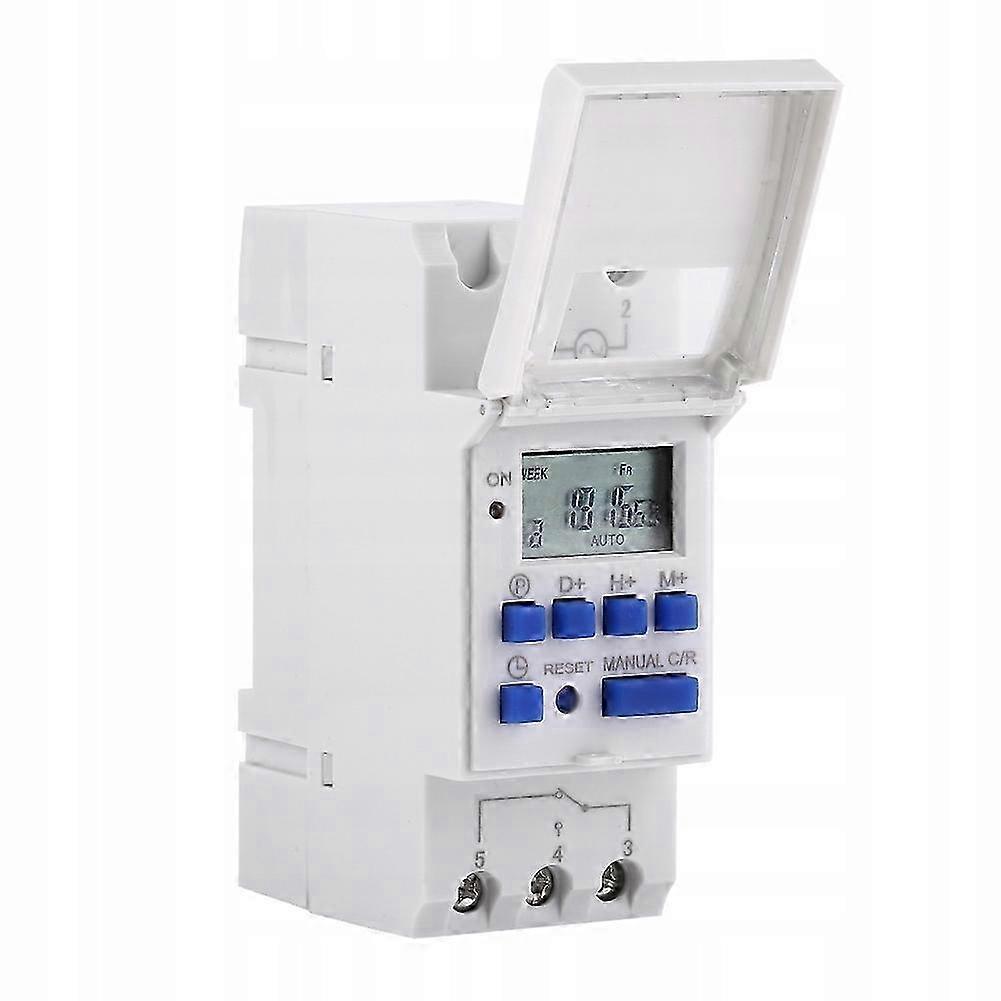
Ahc 15a Time Programmer For Digital Rail Weekly 3000w 24v
- Brand: Unbranded
| RRP: | |
| Price: | |
| You save: | AED60.00 (50%) |
In stock
14-Day Returns Policy
We accept the following payment methods
Description
Ahc 15a Time Programmer For Digital Rail Weekly 3000w 24v
- Brand: Unbranded
- Category: Specialty Electrical Switches & Relays
- Fruugo ID: 438453712-918948067
- EAN: 9011716129535
Delivery & Returns
Dispatched within 2 days
-
STANDARD: AED30.99 - Delivery between Thu 25 December 2025–Thu 01 January 2026
Shipping from China.
We do our best to ensure that the products that you order are delivered to you in full and according to your specifications. However, should you receive an incomplete order, or items different from the ones you ordered, or there is some other reason why you are not satisfied with the order, you may return the order, or any products included in the order, and receive a full refund for the items. View full return policy
Product Compliance Details
Please see the compliance information specific to this product outlined below.
The following information is provided by the independent third-party retailer selling this product.
Manufacturer
The following information outlines the contact details for the manufacturer of the relevant product sold on Fruugo.
- Cassian
- Suzhou Xinmi Kong Trade Co., Ltd.
- 01-22, 9th Floor, W02 Building, Phase I of Nan'an Xindi Project, No. 11 Yangfu Road, Suzhou Industrial Park, Suzhou Free Trade Zone (Jiangsu ), China
- Suzhou
- CN
- 215024
- ijsldhxn@163.com
- 13667873201
Responsible Person in the EU
The following information outlines the contact information for the responsible person in the EU. The responsible person is the designated economic operator based in the EU who is responsible for the compliance obligations relating to the relevant product sold into the European Union.
- Jean Luc
- In Memoria Futuri SAS
- 3 RUE DU PAS DE LA MULE 75004 PARIS
- Paris
- France
- 75004
- infoapexchen@gmail.com
- 33745713901