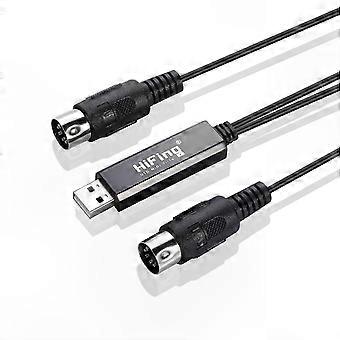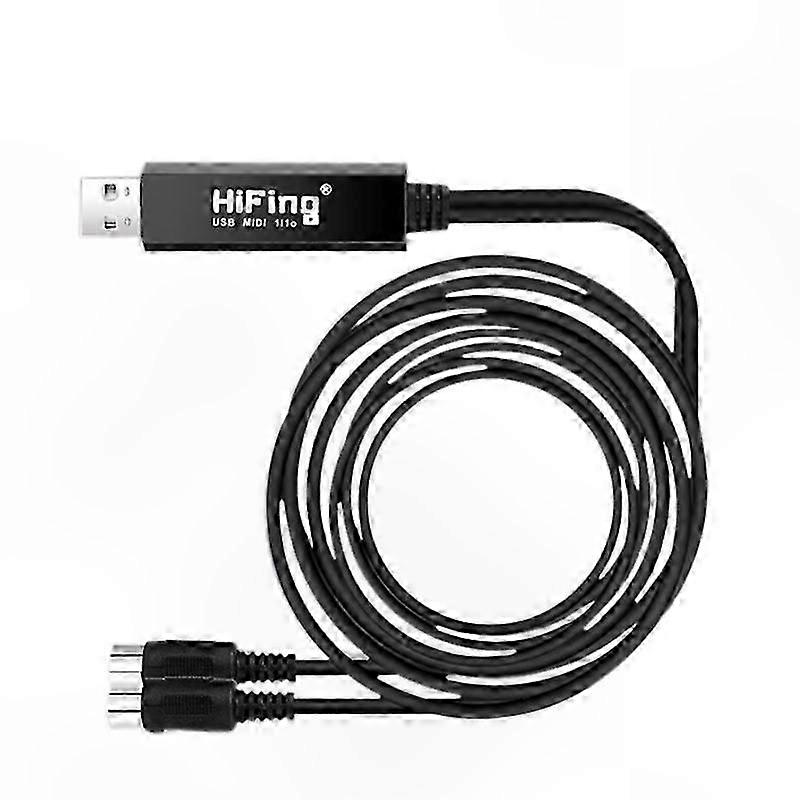
5-PIN DIN MIDI to USB Interface Adapter with Cable for PC and Laptop Connectivity

AED64.00
+ AED44.99 Shipping

5-PIN DIN MIDI to USB Interface Adapter with Cable for PC and Laptop Connectivity

  • Brand: Unbranded

5-PIN DIN MIDI to USB Interface Adapter with Cable for PC and Laptop Connectivity

  • Brand: Unbranded
RRP: AED119.00
Price: AED64.00
You save: AED55.00 (46%)
Sold by:
AED64.00
+ AED44.99 Shipping

In stock

We accept the following payment methods

Description

5-PIN DIN MIDI to USB Interface Adapter with Cable for PC and Laptop Connectivity

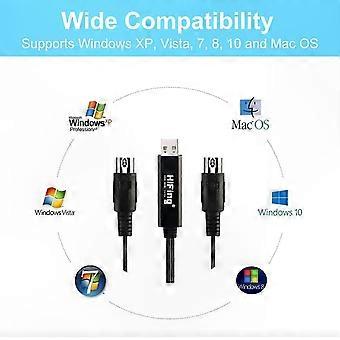
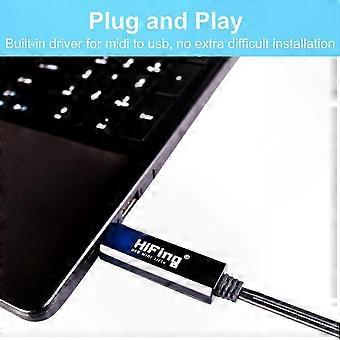
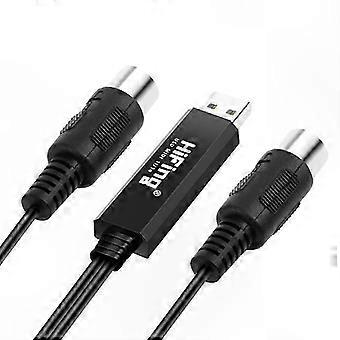
Plug & Play: Connect MIDI instruments such as keyboards to transfer MIDI signals to USB. Built-in driver for MIDI to USB conversion with no complicated installation required. Easy setup with true plug-and-play functionality, with operation confirmed by an LED indicator. High Applicability: Standard USB plug compatible with computers running Windows XP, Vista, 7, 8, 10, and macOS. Connect your MIDI-compatible controller, keyboard, piano, synthesizer, or drum machine to your computer. Note: When connecting to mobile devices, an OTG cable is required. Outstanding Performance: High-performance processing chip ensures stable signal input with no delay, enabling fast and reliable MIDI data transmission. High Quality: Durable cabling with multi-layer protection. Features 1 MIDI input and 1 MIDI output interface, supporting 16 MIDI input channels and 16 MIDI output channels. Flexible Design: 2m (6.5ft) USB MIDI cable with USB bus power; no external power supply needed. Allows convenient placement and setup in your preferred location. The USB MIDI interface is a 1-in, 1-out, 16-channel MIDI interface that connects your MIDI-compatible controller, keyboard, synthesizer, or drum machine to your computer. Bus-powered via USB and compatible with Windows and macOS. Specifications: - Cable Length: 6.5ft (2m) Instructions for Use: 1. Connect the cable labeled "IN" to the MIDI "OUT" socket of your MIDI keyboard or device. 2. Connect the cable labeled "OUT" to the MIDI "IN" socket of your MIDI keyboard or device. 3. Plug the USB connector into a free USB port on your computer. The LED indicates power is on. 4. Open your music software (e.g., Sonar, MIDI OX, etc.). 5. Set the software's MIDI input and output devices to "USB Audio Device." 6. Your USB to MIDI interface is now ready for use. For optimal performance, it is recommended to always connect the interface to the same USB port used during initial setup to avoid repeated driver installations. Material: Not specified Color: Black Size: 2m length Package Contents: 1 x USB MIDI 1 In / 1 Out Interface Cable Note: The package includes only the items listed above. Other accessories shown are not included. Note: Lighting and display differences may cause slight variations in color between the image and the actual product. Measurement may vary by +/- 1-3cm.
  • Fruugo ID: 404244476-857930864
  • EAN: 7454834942280

Product Safety Information

Please see the product safety information specific to this product outlined below

The following information is provided by the independent third-party retailer selling this product.

Safety Warnings: Please use according to the instruction manual

Delivery & Returns

Dispatched within 2 days

  • STANDARD: AED44.99 - Delivery between Fri 19 December 2025–Mon 29 December 2025

Shipping from China.

We do our best to ensure that the products that you order are delivered to you in full and according to your specifications. However, should you receive an incomplete order, or items different from the ones you ordered, or there is some other reason why you are not satisfied with the order, you may return the order, or any products included in the order, and receive a full refund for the items. View full return policy

Product Compliance Details

Please see the compliance information specific to this product outlined below.

The following information is provided by the independent third-party retailer selling this product.

Manufacturer
The following information outlines the contact details for the manufacturer of the relevant product sold on Fruugo.

  • Chen Ge
  • Shanghai Ganlan Network Technology Co., Ltd.
  • No. 139, Rongmei Road, Building 1,Songjiang District,Shanghai City
  • Shanghai
  • CN
  • 201601
  • qizao88361@163.com
  • 13413952153

Responsible Person in the EU
The following information outlines the contact information for the responsible person in the EU. The responsible person is the designated economic operator based in the EU who is responsible for the compliance obligations relating to the relevant product sold into the European Union.

  • Van Lavazza
  • Y & H S.R.L.
  • Via Gravina 21 MT matera,Trani,Puglia
  • Trani
  • Italy
  • 75100
  • itlyhsrl@gmail.com
  • 0039 3917722149